
The 'Hardware' Hustle: Why Your Premium Connection is Being Throttled by Your Desk

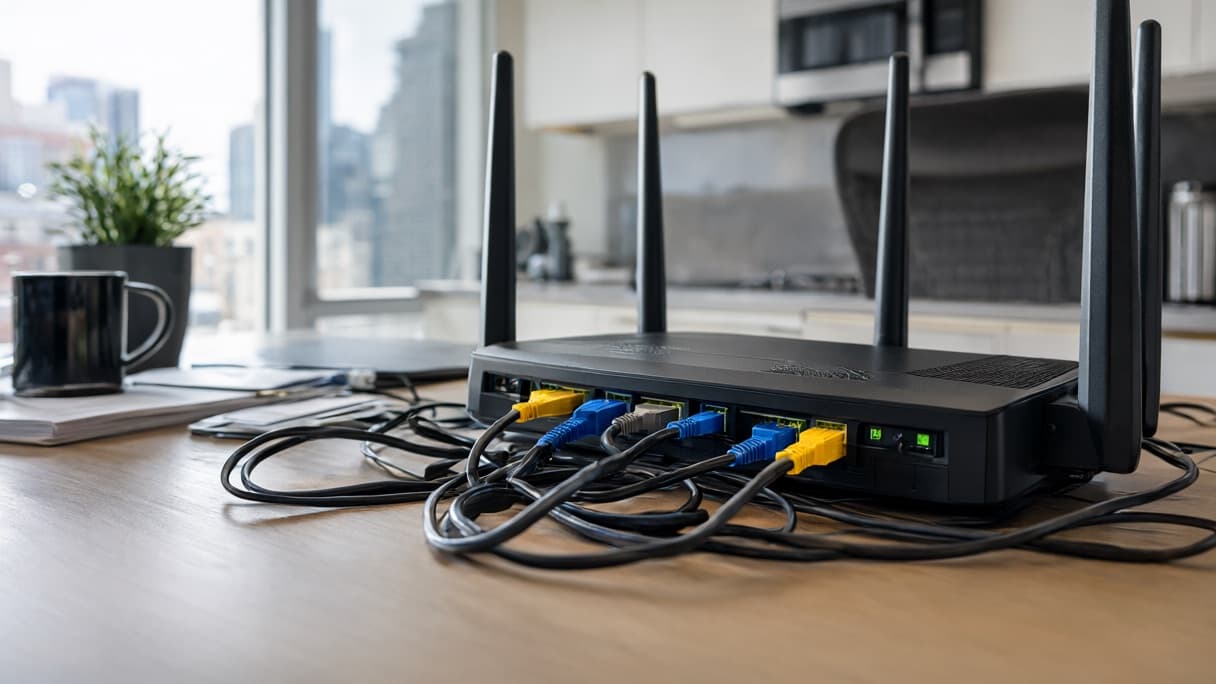
AI-generated image · Bay Street Wire
When speeds crater, ISPs love to point the finger at your gear. But as one user's deep dive into a Studio Display bottleneck reveals, the gap between what you pay for and what you get is often a technical wasteland.
### Opinion: The Connectivity Gaslight
Let's be honest about the experience of paying for a premium internet tier. We are sold a dream of symmetrical gigabit speeds and seamless connectivity, often paying a premium to ISPs for the privilege. But as Oscar Molnar first reported on his blog, *tymscar.com*, the moment those speeds dip—when the 2.5 Gbps you're paying for suddenly feels like a dial-up connection from 1998—the response is often the same: *It's your hardware.*
The burden of proof is frequently shifted onto the consumer. We are told to reboot routers, update firmware, or buy newer adapters. While it's true that hardware bottlenecks exist, this narrative can shield providers from the fact that high-tier plans are sometimes practically impossible to realize in a real-world home setup. We are paying for theoretical maximums, while the actual delivery is hampered by a chaotic ecosystem of drivers, ports, and packet bursts.
### The 75% Speed Tax
Consider the case of Oscar Molnar, who reported on his blog, *tymscar.com*, a frustrating discovery regarding his home network. Molnar is one of the few users with a 2.5 gig symmetrical line—provided by an ISP run by a man he identifies as Keith. For a while, everything seemed fine, until Molnar noticed a shocking drop in performance: his download speed had plummeted to 600 Mbps, despite his upload speed remaining steady at 2.4 Gbps.
For most users, a 600 Mbps connection is more than sufficient, and as Molnar noted, he didn't realize he was losing three-quarters of the speed he was paying for for some time. But for those of us paying for the top-shelf connectivity tiers, that 75% loss isn't just a technical glitch—it's a failure of value.
### The 'One-Cable' Trap
Molnar's investigation revealed that the culprit wasn't the ISP or the line, but a desire for a clean workspace. He had moved his connections to an Apple Studio Display XDR to achieve a one-cable setup. His hardware chain included a MacBook Pro M3 Pro (2026), a UniFi Dream Router 7, and a UGREEN USB-C to 2.5G Ethernet adapter plugged directly into the display.
When the adapter was plugged directly into the Mac, Molnar saw perfect speeds—2.2 Gbps down and 2.3 Gbps up via fast.com, and 2.3 Gbps via an iperf3 server on his UDR 7. But the moment the connection passed through the Studio Display, the download speed crashed back to 600 Mbps.
This is the exact scenario that makes hardware debugging so frustrating. A provider can technically say the signal is reaching the house, but the actual utility is decimated by the very hardware we are told to buy to 'enhance' our productivity.
### The Technical Rabbit Hole
What makes this particularly galling is that the fix isn't as simple as buying a new cable. Molnar's debugging process highlighted a systemic failure in how hardware communicates. The UGREEN adapter uses a Realtek RTL8156B chip, which macOS binds to a generic USB networking driver. Molnar found that installing the official Realtek driver nearly doubled the speed to 1.1 Gbps, but it still didn't hit the 2.5 Gbps mark.
He eventually discovered the role of "flow control." In networking, when a device can't keep up with incoming Ethernet frames, it simply drops them. Flow control allows a router or switch to send a "pause" frame to the sender to buffer data. When Molnar enabled this in his UniFi console, his download speed jumped to approximately 2 Gbps.
However, this isn't a perfect solution. Molnar noted that keeping flow control on can introduce latency into other systems, such as his gaming PC used for *Sauerbraten*, making it a "janky" workaround that requires constant manual management.
### Why the 'Premium' Experience Fails
Molnar's most revealing discovery came from testing UDP traffic via a Linux box. He found that when connected through the display, the adapter's frames per second flattened out at about 168,000 (roughly 2 Gbps), and everything above that was dropped.
Interestingly, this didn't happen with his external SSD, even though it used the same Thunderbolt port. The difference? "Bursts." While an SSD enclosure sends 16 packets before needing a confirmation from the Mac, the RTL8156B Ethernet adapter only sends four. This inefficiency creates a bottleneck that effectively throttles the high-speed connection the consumer is paying for.
### The Bottom Line
When we pay for 2.5 Gbps, we aren't paying for the *possibility* of that speed; we are paying for the *reality* of it. Yet, as Molnar's experience shows, the gap between the ISP's delivery and the device's reception is a minefield of driver conflicts and packet-drop issues.
Premium tiers are sold knowing full well that the average consumer's hardware—even high-end gear like the Studio Display XDR—might be cutting their speeds by 75%. It's a frustrating reality: charge for the maximum, deliver the minimum, and blame the user's desk when they notice the difference.